---
Direct Answer: Save Siri Recaps for context rich summaries of longer conversations; save Live Rewind snippets for precise, time sensitive details from the last 15 seconds but act fast, because Live Rewind text vanishes 30 seconds after the display dims unless you explicitly save it.
---
What Are Siri Recap and Live Rewind, Exactly?
Siri Recap produces a condensed, high level summary of a conversation after it ends less than half the length of the original transcript, stripped of filler words, tone, and redundancy. Live Rewind is a manual, on demand feature that shows the previous 15 seconds of speech as text when you double press the Digital Crown. They are distinct tools serving distinct memory needs, and conflating them is the fastest way to misuse both.
Both features are part of Apple's new Audio Intelligence suite, exclusive to Apple Watch Series 12 and Apple Watch Ultra 4 (powered by the S11 chip). They require an Apple Intelligence enabled iPhone 16 or later (excluding the iPhone 16e) and launch in beta in English only with EU availability withheld at launch, per Apple's primary documentation.
Think of Siri Recap as the colleague who emails you a bullet-point summary after a meeting. Think of Live Rewind as the moment you say "wait, what was that number again?" and rewind ten seconds of a podcast. Same meeting, very different use case.

---
How Does the Text Actually Get Generated and What Gets Filtered Out?
Both features go through a hardware isolated processing pipeline that permanently deletes raw audio before any text leaves your devices. Understanding this pipeline answers the core question of what kind of text you'll actually receive and what you will never see.
Here is what Apple's primary documentation confirms about the Siri Recap pipeline, step by step:
1. A lightweight on device AI model detects speech (no transcription, no recording yet).
2. Audio is buffered inside the Secure Exclave a hardware isolated compartment in the S11 chip that watchOS, apps, you, and Apple cannot access.
3. Audio transfers via audio verified pairing (beyond standard Bluetooth) to the paired iPhone's Secure Exclave.
4. On device speech recognition transcribes the audio on the iPhone.
5. An on device language model condenses that transcript to fewer than half the original words, stripping filler, tone, and repetition.
6. Raw audio is permanently deleted at this point.
7. A safety model screens the condensed text for harmful content (self harm references, hateful speech).
8. The condensed text along with contextual signals like Now Playing data, Calendar info, high level location labels (home/work/school), and general locality (city/state/country) is sent to Private Cloud Compute (PCC) to generate a title, summary, and key points.
What you receive is not a transcript. Apple's own support documentation explicitly compares a Recap to "notes jotted after a conversation." Mashable characterized Siri Recap as returning "direct quotes" that description conflicts with Apple's stated specifications, which confirm no speaker attribution and no verbatim transcription. Apple's documentation is authoritative here.
Critical omissions by design: Siri Recap is built to exclude financial data, government assigned identifiers, authentication credentials, and certain personal identifiers. What this means practically: don't rely on a Recap to preserve an account number someone read aloud, a Social Security number, or a password. That data may be screened out intentionally.
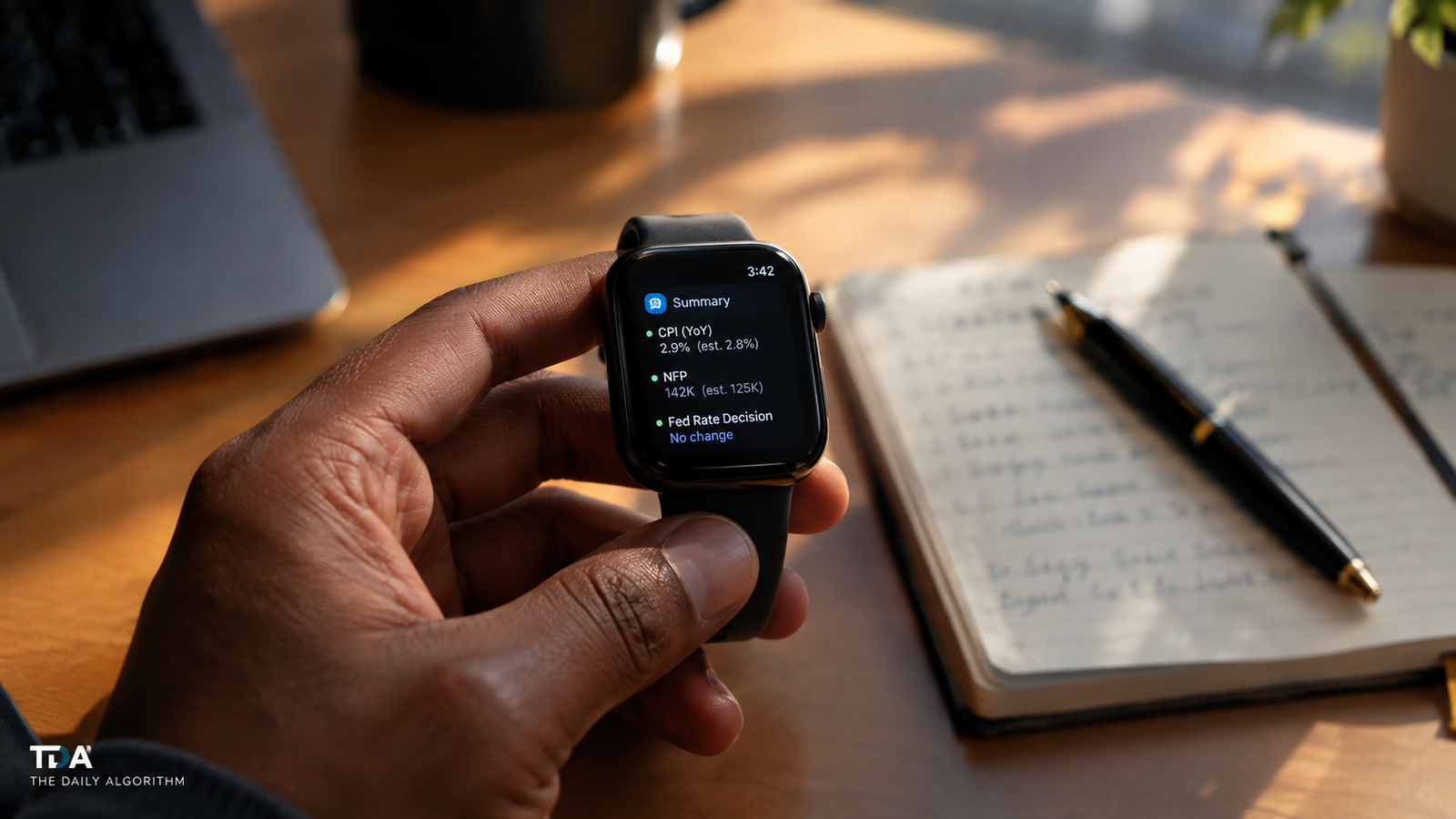
Live Rewind processes differently entirely on device, showing the previous 15 seconds of speech as text. It does not continue transcribing in the background between activations. Each double press of the Digital Crown is a fresh, isolated request.
---
What Should You Actually Save from a Siri Recap?
Save a Siri Recap when the conversation contained decisions, commitments, or named action items that you'd otherwise need to reconstruct from memory but cross check any figures or sensitive identifiers against another source, because those categories may be filtered or condensed away.
Siri Recap auto deletes after seven days if not saved or exported (per Apple Support documentation). That's your window. After that, it is gone from all devices.
The practical curation framework:
- Save it when the Recap captures who agreed to do what, what was decided, or what follow up is needed the high signal, low detail content the compression is actually designed to surface.
- Save it and annotate it when you know something important was said but the Recap's condensation may have blurred the precision (a specific date, a dollar figure). Use the export to Notes or export to Journal function to add your own annotation immediately.
- Don't save it if the conversation was ambient background noise, social small talk, or context free snippets that mean nothing disconnected from the moment. Recaps sync to iCloud across all your devices cluttering your sync with low value text defeats the purpose.
- Don't treat it as a legal or compliance record. The Recap is not a verbatim transcript. It is a compressed summary produced by a language model. Speaker attribution is absent by design. If the content of a conversation needs to be documented with precision, you need a dedicated transcription tool that produces a proper record Siri Recap is not that.
You can schedule Siri Recap by time and location Apple Support confirms options like "only at work" or "never at night." Use this. An always on Recap is noise; a scoped Recap is signal.

---
When Does Live Rewind Text Disappear, and How Do You Beat the Clock?
Live Rewind text disappears 30 seconds after the Apple Watch display dims, unless you explicitly save it by asking Siri or using the save prompt. This is not a bug it is a design choice consistent with the feature's privacy architecture. If you miss that window, the text is gone; no raw audio was ever saved to recover it from.
The operational realities of Live Rewind, as documented by Apple:
- Each activation is manual. You double press the Digital Crown. The feature does not run passively in the background between presses.
- An audible chime plays every time even on silent mode, even with headphones connected. The watch also displays a full screen animation and a microphone indicator. This is a deliberate consent signal, not an oversight.
- If your iPhone is out of range, the transfer fails immediately, an error shows, and the audio is discarded on the spot. There is no retry for Live Rewind (unlike Siri Recap, which retries on reconnection but if encryption keys expire before reconnection, that data is also permanently deleted).
- The 15 second window is fixed. You cannot extend it. If you needed the previous 30 seconds, you needed to double press sooner.
The practical implication: Live Rewind is a precision tool for specific, time critical moments a phone number read aloud, a medication dosage, the name of a restaurant recommended mid-conversation. Use it surgically, save the snippet immediately, and don't treat it as a background recorder. It isn't one, architecturally or legally.
For saving: Apple Support confirms you can export saved Live Rewind snippets to Notes, Journal, and other apps. Do this in the moment; a snippet saved to Notes with context you add manually is vastly more useful 48 hours later than a bare 15 second text fragment.
---
What Does the Privacy Architecture Mean for Your Decision Making?
The core privacy guarantee is this: no raw audio ever exists in a form that you, Apple, apps, or any third party can access, share, or be compelled to produce. Apple's primary documentation states it plainly: "There is no recording to share, forward, or produce if requested by any party, because no recording exists."
This has a direct practical consequence for deciding what to keep: the text you save is the only record that will ever exist. If you don't save a Recap before its seven day auto delete, it is gone. If you don't save a Live Rewind snippet within 30 seconds of the display dimming, it is gone. There is no audio backup to pull from, no server side copy to request, no support ticket that will recover it.
For saved text, the security posture is strong: end to end encrypted iCloud sync (requiring two-factor authentication and a device passcode), with Apple holding no encryption keys. Deleting a Recap or saved snippet removes it from all synced devices and iCloud simultaneously.
A few nuances worth flagging:
- Speaker attribution does not exist. Recaps may mention names if they were said aloud, but the text does not label who said what. If you're in a meeting with three people, the Recap will not tell you which person committed to the deadline.
- Siri Recap is subject to daily usage limits (per Apple Newsroom). Heavy users developers running multi hour technical discussions, journalists in long interviews should not assume unlimited generation. Plan accordingly.
- Sensitive data filtering is a feature, not a flaw but it means you must have an alternative capture method ready for content Recap is designed to exclude: account numbers, ID numbers, passwords, certain personal identifiers.
---
The Real Cost of Getting This Wrong
If you treat Siri Recap like a passive backup system and don't actively curate, you will either drown in low signal summaries or lose high signal ones to the seven day auto delete. Neither outcome is free.
The business and productivity stakes are concrete:
- A missed action item from a parent teacher conference or a client call that auto deleted on day eight is a re-do conversation time cost, relationship cost, credibility cost.
- A cluttered iCloud sync full of ambient Recaps from background noise is a search problem: the one Recap that mattered is buried.
- Relying on a Recap for a figure or identifier that the safety filter excluded and discovering this hours later when precision matters is an operational failure.
The upside is equally concrete: a well scoped Recap workflow (scheduled by location, exported and annotated immediately, deleted when redundant) is a genuine cognitive offload. The compression to under half the original transcript length is not trivial for a dense one hour meeting, that's the difference between re-reading 8,000 words and scanning 3,500.
Secondary sources like TechCrunch and Mashable have compared Siri Recap to third-party meeting notetakers such as Granola and Circleback. The architectural difference is significant: those products operate as separate apps with their own data handling, while Siri Recap's pipeline is embedded in silicon and tightly coupled to Apple's Private Cloud Compute infrastructure. The comparison is useful for framing the category ambient AI summarization but the privacy and data handling specifics are not equivalent and should not be assumed to be.
One limitation the research digest flags and is worth naming directly: the features are English only at launch and unavailable in the EU. If your conversational context is multilingual or you're operating within EU jurisdiction, these features will not be available to you on day one, regardless of hardware.
---
The Bottom Line: A Simple Decision Framework
Save Siri Recaps that capture decisions, commitments, or context you'd need to reconstruct. Save Live Rewind snippets for precise transient details and do it within 30 seconds. Delete everything else before the seven day clock runs out.
The framework in three rules:
1. Scope the feature first, curate second. Use location and time scheduling to limit Recap generation to contexts where it adds value. You cannot efficiently curate what you've already allowed to generate indiscriminately.
2. Treat the saved text as a prompt, not a record. A Recap is a compressed, speaker free, filtered summary produced by a language model. Use it to jog your own memory and trigger your own annotation. Do not treat it as the official account of what was said.
3. Assume the audio is gone, because it is. Every curation decision you make is final. There is no recovery path, no support escalation, no raw file. This forces deliberate, timely action which is exactly what the architecture is designed to require.
---
Here's the question that should be sitting uncomfortably in the back of your mind: if a condensed, speaker free AI summary is now the only record of your most important conversations because the audio never existed and the transcript was compressed away is that level of abstraction actually useful enough to trust, or does it just give you the feeling of capture without the substance of it?



Loading comments...